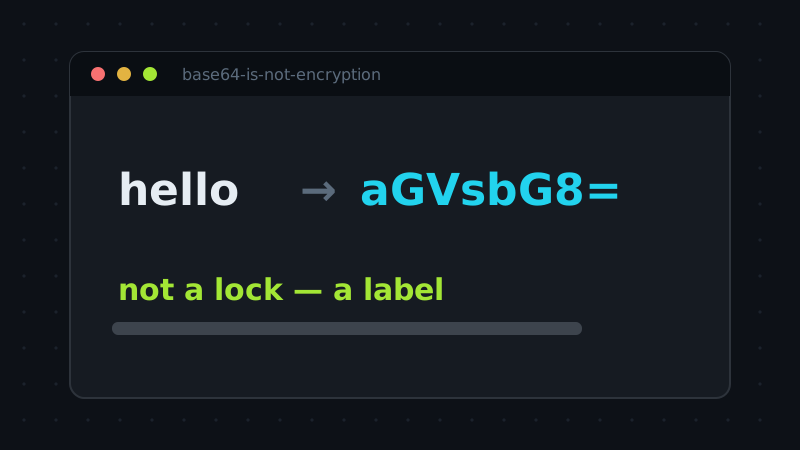
Few misconceptions in computing are as durable as this one: a string gets Base64-encoded, comes out looking like scrambled alphabet soup ending in equals signs, and someone concludes it has been "encrypted". It has not. Base64 provides exactly as much secrecy as writing a message in capital letters. Understanding why it exists — and what it is actually for — prevents a category of real security accidents.
What Base64 actually does
Base64 is a transport encoding. It takes arbitrary bytes and rewrites them using only 64 safe characters — A–Z, a–z, 0–9, + and / — so the data can pass through systems that mangle anything else: email protocols from the punched-card era, JSON strings, URLs, XML documents. Every three bytes of input become four characters of output, which is why encoded text is about a third longer than the original, and why the output is padded with = signs to a multiple of four characters.
The transformation is public, fixed and keyless. There is nothing to guess, nothing to crack and nothing secret in the algorithm — it is printed in RFC 4648 for anyone to read. Decoding a Base64 string takes milliseconds and zero credentials. If a "protected" value can be read by anyone who pastes it into a decoder, it was never protected.
Where you will legitimately meet it
- Email attachments — MIME encodes binary files as Base64 so they survive mail servers.
- Data URLs — small images and fonts embedded directly in HTML or CSS.
- Tokens and API payloads — JSON Web Tokens are Base64url-encoded JSON. The payload of a JWT is readable by anyone holding the token; the signature proves it was not tampered with, but nothing about it is hidden.
- Basic authentication headers — credentials are Base64-encoded, which is precisely why Basic auth must only ever travel over HTTPS.
Why the confusion persists
Encoded text looks encrypted: it is unreadable, high-entropy-looking and sprinkled with symbols. Developers also meet it in security-adjacent places — tokens, headers, certificates — and reasonably assume the scrambling is the security. It never is. In each of those places, the actual protection comes from something else: TLS on the wire, a signature on the token, a key in a vault. Base64 is just the envelope.
The variant worth knowing: Base64url
Standard Base64 uses + and /, two characters that mean other things inside a URL, and pads with =, which is also structural. The Base64url variant swaps those for - and _ and usually drops the padding, making the output safe to place in a link or filename without further escaping. It appears in JWTs, sharing links and ID tokens across the web. It is exactly as secret as standard Base64 — which is to say, not secret at all — merely safer to transport. If you are decoding something that came out of a URL and the standard decoder complains, the URL-safe alphabet is the first thing to check.
What to do instead
If you need secrecy, you need encryption with a key — AES-GCM through your platform's crypto library, or simply TLS between systems. If you need tamper-evidence, you need a signature or a hash. If you need to store a password, you need a dedicated password-hashing function such as bcrypt or argon2. And if you merely need data to survive a trip through a text-only channel, then — and only then — Base64 is exactly the right tool. Use it proudly, as an encoding.
Try the tool behind this article: Base64 Encode / Decode runs entirely in your browser — nothing you paste is uploaded.