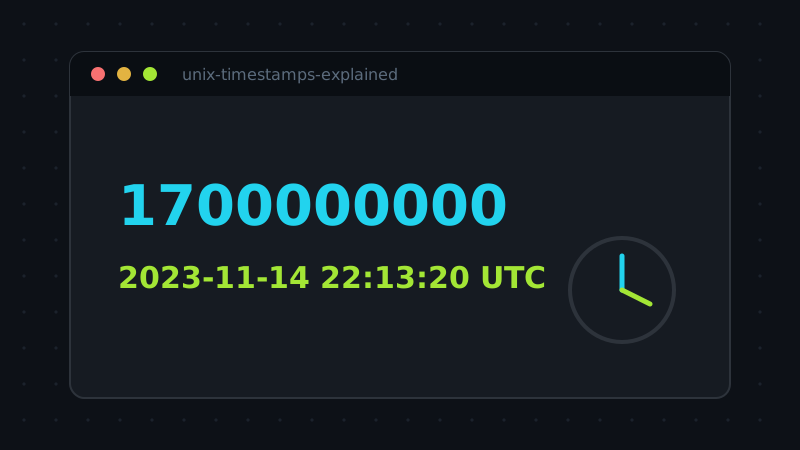
Somewhere in your logs right now there is a number like 1700000000, and it means "Tuesday, 14 November 2023, 22:13:20 UTC". Unix time is the operating system's native language for instants: a single counter of seconds elapsed since one fixed moment. It is beautifully simple — and responsible for a steady stream of bugs wherever seconds, milliseconds and timezones meet.
The epoch
Timestamp zero is midnight UTC on 1 January 1970, an arbitrary but conveniently round starting point chosen by the early Unix engineers. Every Unix timestamp counts from there: positive numbers are moments after 1970, negative numbers are moments before it. There is no timezone in a Unix timestamp, no daylight saving, no calendar weirdness — just one integer (or near enough) that every computer on earth can agree on. Calendars and timezones are applied only at the edges, when a human needs to read the value.
Seconds or milliseconds? Count the digits
The classic trap: some systems store seconds, others milliseconds, and the two differ by a factor of a thousand. A milliseconds value interpreted as seconds lands in the year 55,000-something; a seconds value read as milliseconds lands in January 1970. Fortunately, current-era values are easy to tell apart by length:
- 10 digits — seconds (for example
1700000000). - 13 digits — milliseconds (
1700000000000). - 16 digits — usually microseconds; 19 — nanoseconds, common in Go and some databases.
Converters auto-detect by magnitude — the trillion mark separates seconds from milliseconds — but when you design an API, do not make consumers guess: document the unit, or better, name the field created_at_ms so the unit travels with the data.
Timezones live only in the display
The same instant prints as different local times in Jakarta, Berlin and New York, and all three printings are correct. Confusion starts when a local string is stored as if it were the instant itself. Two habits prevent most of it: store and transmit the integer (or an ISO 8601 string in UTC, with the trailing Z), and convert to local time only at the moment of display. If a timestamp seems off by exactly a few hours, someone along the chain treated a local rendering as UTC, or vice versa.
Storing timestamps without regrets
Three habits keep timestamp data boring for decades. Store the integer in the unit the field name declares (created_at_ms beats created_at), or store a proper database timestamp type and let the database own the conversions. Never store a localised string like "14/11/2023 10:13 PM" as your source of truth — it throws away the timezone and invites ambiguous parsing (is 03/04 March 4th or April 3rd?). And when humans must read the stored form, use ISO 8601 in UTC — 2023-11-14T22:13:20Z — which sorts correctly as plain text and means the same thing in every country and codebase on earth.
Two dates to know
The 32-bit signed counter overflows on 19 January 2038 — the famous Y2K38 problem, still lurking in embedded systems and old file formats. And on the subject of far dates: JavaScript's Date, and therefore most browser tools, handles a range of ±100 million days around the epoch, so a wildly out-of-range result in a converter usually means the input unit was wrong, not that the tool broke. Check the digits first. While you are at it, check the sign and the zeros: a timestamp of exactly 0, or a round power of ten, is rarely a real moment — it is a missing value wearing a timestamp's clothes, and it will happily convert to 1 January 1970 and sail through your system if you let it.
Try the tool behind this article: Timestamp Converter runs entirely in your browser — nothing you paste is uploaded.